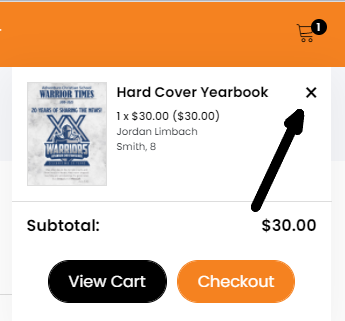
There are two ways to remove an item from your cart. Scroll over the cart icon in the upper right hand corner and select the "X" next to the product name.
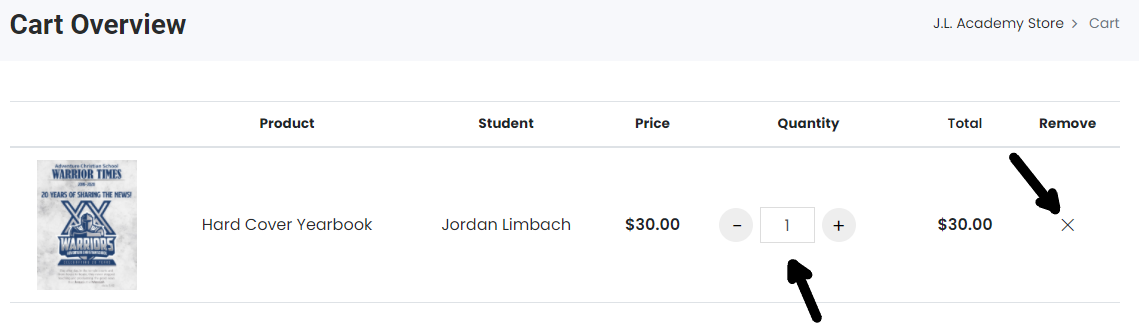
You can also navigate to the cart page and adjust the quantity or remove the item as shown in the screenshot below.
Was this article helpful?
That’s Great!
Thank you for your feedback
Sorry! We couldn't be helpful
Thank you for your feedback
Feedback sent
We appreciate your effort and will try to fix the article