Using the ad builder is highly recommended for best results. Your ad will be correctly sized for your yearbook and rendered at the highest quality. However, if you prefer to create ad ad in your own software of choice, follow the steps below.
Verify Your Ad Size in the Online Store
Check your school's online store to see what size ads they are offering. They may only offer one product or a combination of full, half, quarter and eighth page ads.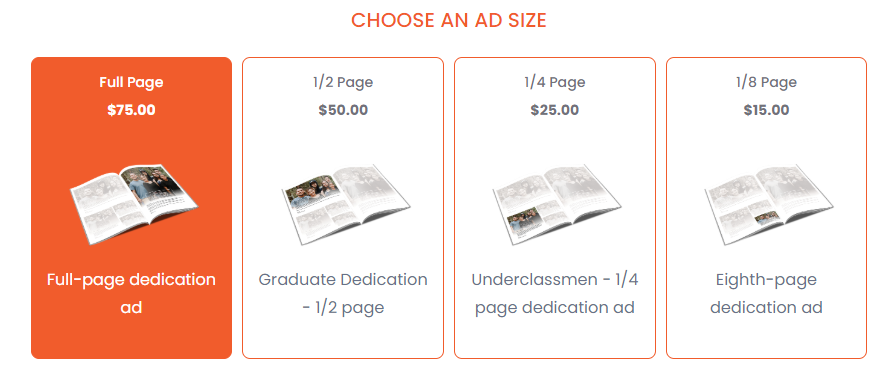
Design your ad in your software of choice
It is critical that you set up the correct dimensions in your design software of choice. Your ad needs to match the store template dimensions so no cropping or quality issues will occur when you upload your design. Follow the dimensions below precisely to ensure good results.
| AD SIZE | WIDTH in pixels / inches @300dpi | HEIGHT in pixels / inches @300dpi |
| Full page | 2550 pixels / 8.5 inches | 3300 pixels / 11 inches |
| Half page | 2550 pixels / 8.5 inches | 1650 pixels / 5.5 inches |
| Quarter page | 1275 pixels / 4.25 inches | 1650 pixels / 5.5 inches |
| Eighth page | 1275 pixels / 4.25 inches | 825 pixels / 2.75 inches |
We recommend insetting all faces and text of your design at least an 1/4th of an inch (75 pixels) from the edge of your design to ensure easy placement by your school's yearbook design committee.
** When your design is complete, export/render it as a jpg image using a resolution of 300 dpi (or highest quality).**
Uploading your completed design to the ad builder
Return to your school's online store. Choose the ad size, then choose Upload a file as the build method.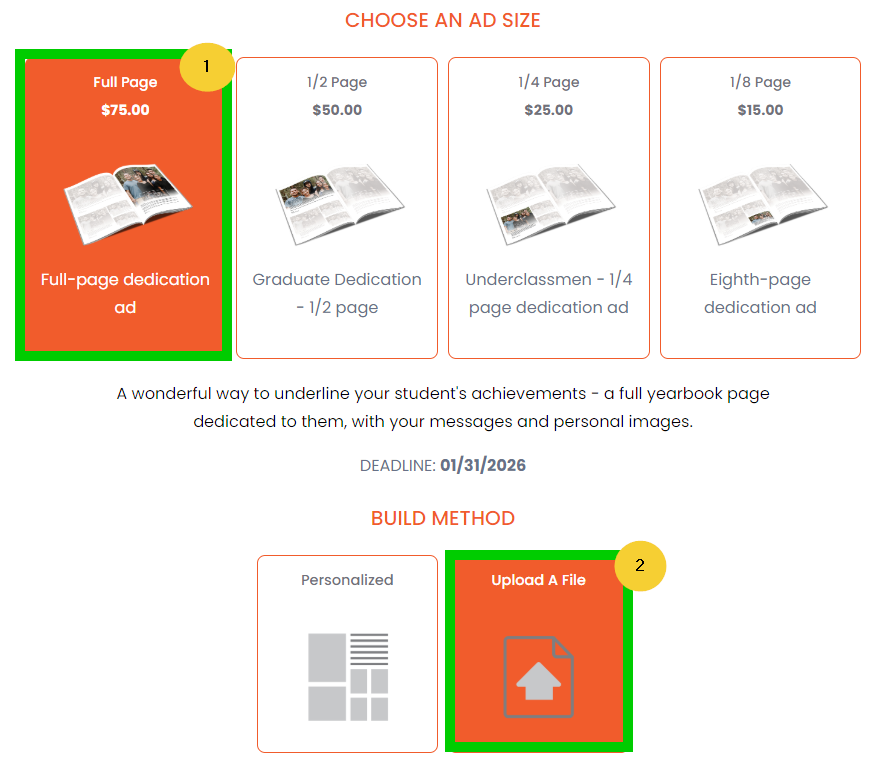
Scroll down to Choose a Look -- then click on the single full page blank frame or the Start Designing button to launch the editor.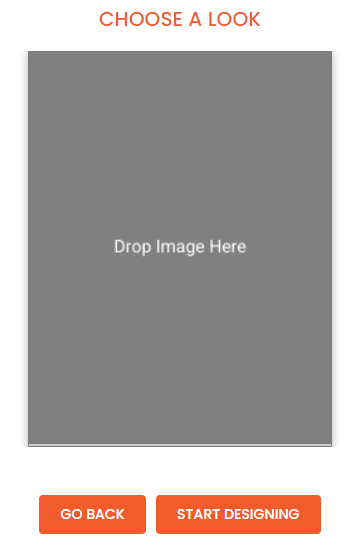
When the ad builder launches, upload your jpg design to the image collection. Select the image after upload, then click on the blank template to add your design to the template. If the dimensions are correct, it should fill the page from edge to edge with no cropping.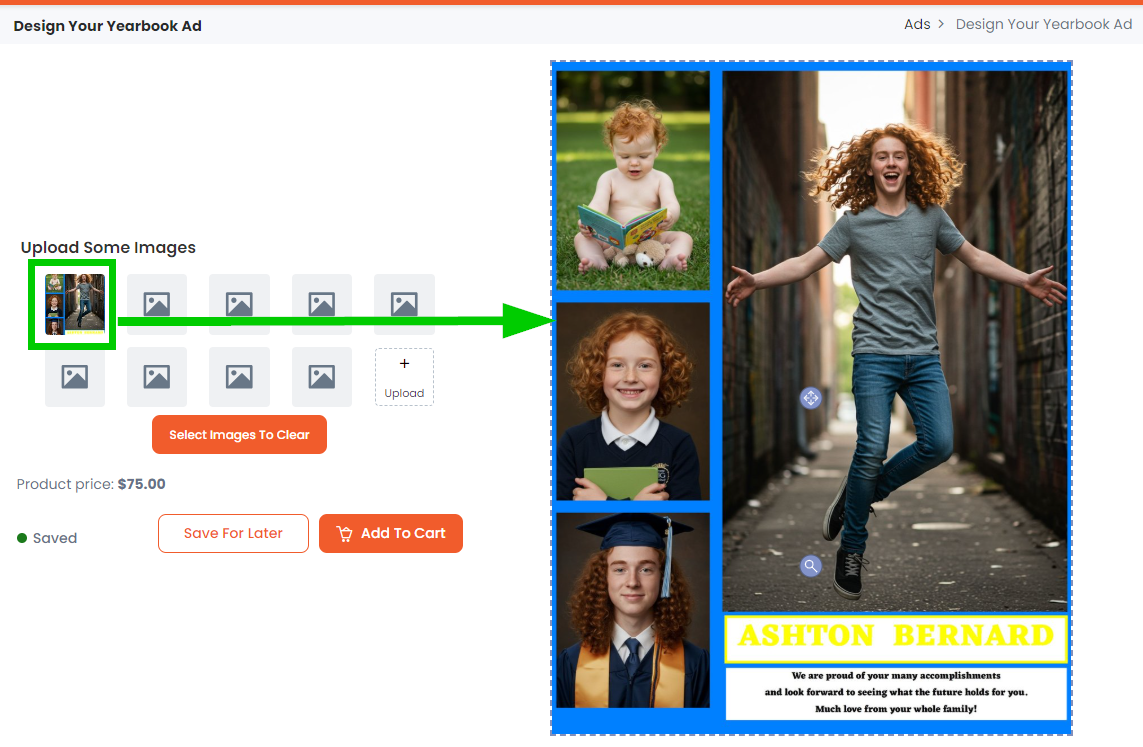
Checkout to purchase
Click Add to Cart and check out of the online store to complete your purchase. Your ad will be sent to your school's yearbook design committee for placement in the book.
Was this article helpful?
That’s Great!
Thank you for your feedback
Sorry! We couldn't be helpful
Thank you for your feedback
Feedback sent
We appreciate your effort and will try to fix the article